HUD MULTIFAMILY COMPLIANCE · 50059 · TRACS
Catch HUD-50059 errors before TRACS does.
ExactEstate builds the HUD-50059 from the household, income, verification and approval steps your team already works. It checks readiness before anything leaves, and it sends TRACS MAT files over iMAX to the Contract Administrator.
If TRACS is the first place the error appears, the workflow found it too late.
Which HUD Multifamily context are you operating?
Project-Based Section 8, Section 202, Section 811 and a RAD conversion to PBRA are different operating contexts; the certification, contract and submission behavior depends on which one the property carries.
Agencies have their own page and their own form.
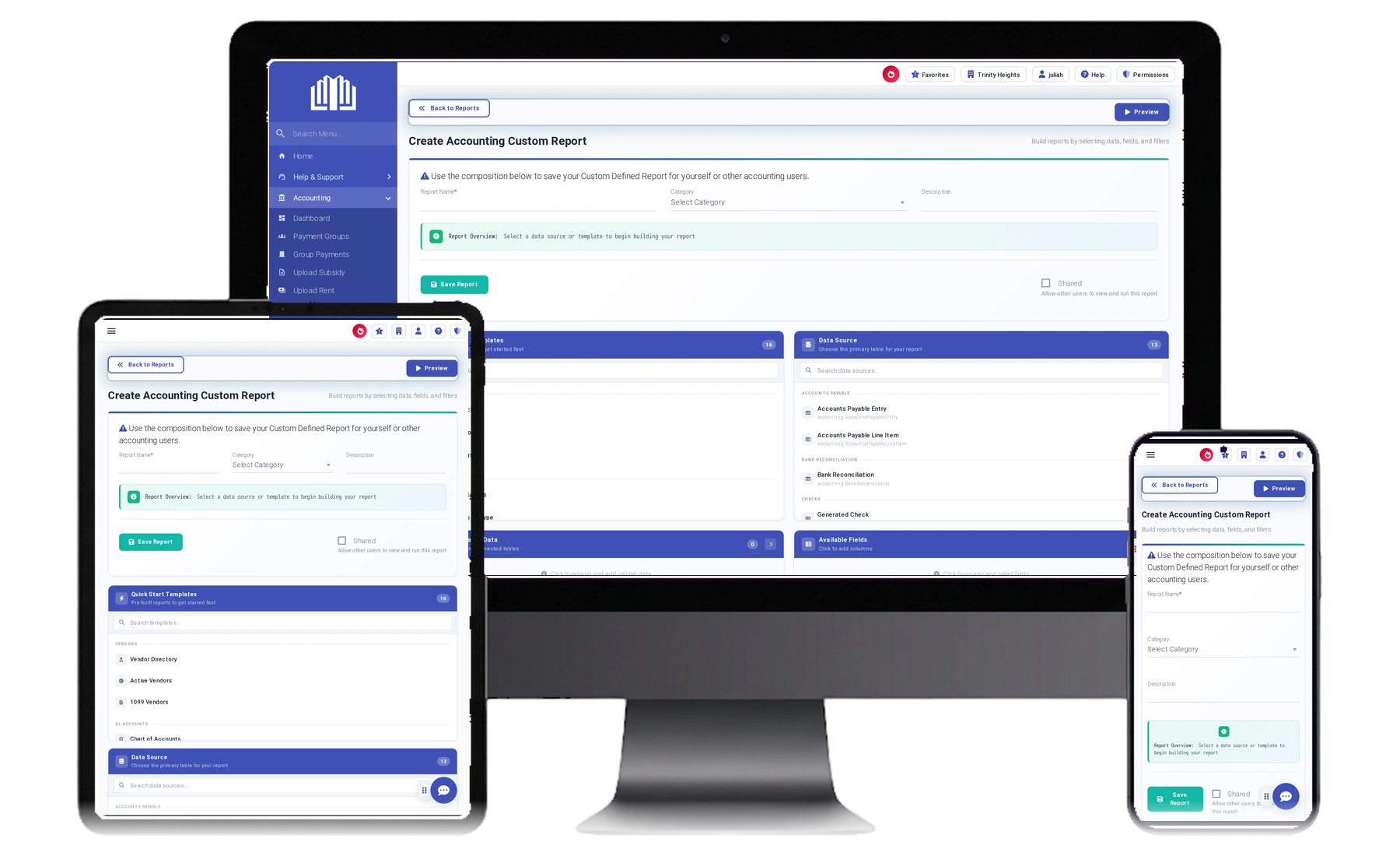
Build the 50059 from the resident workflow, not from re-keying.
The 50059 is the last step of a chain that starts at the household: members, income, assets, deductions, verification, approval.
Here that chain is the certification workflow, so the HUD-50059, and the 50059-A for a move-out, transfer, gross rent change or termination, come out of data the team already reviewed, with a frozen summary kept on the approved certification.
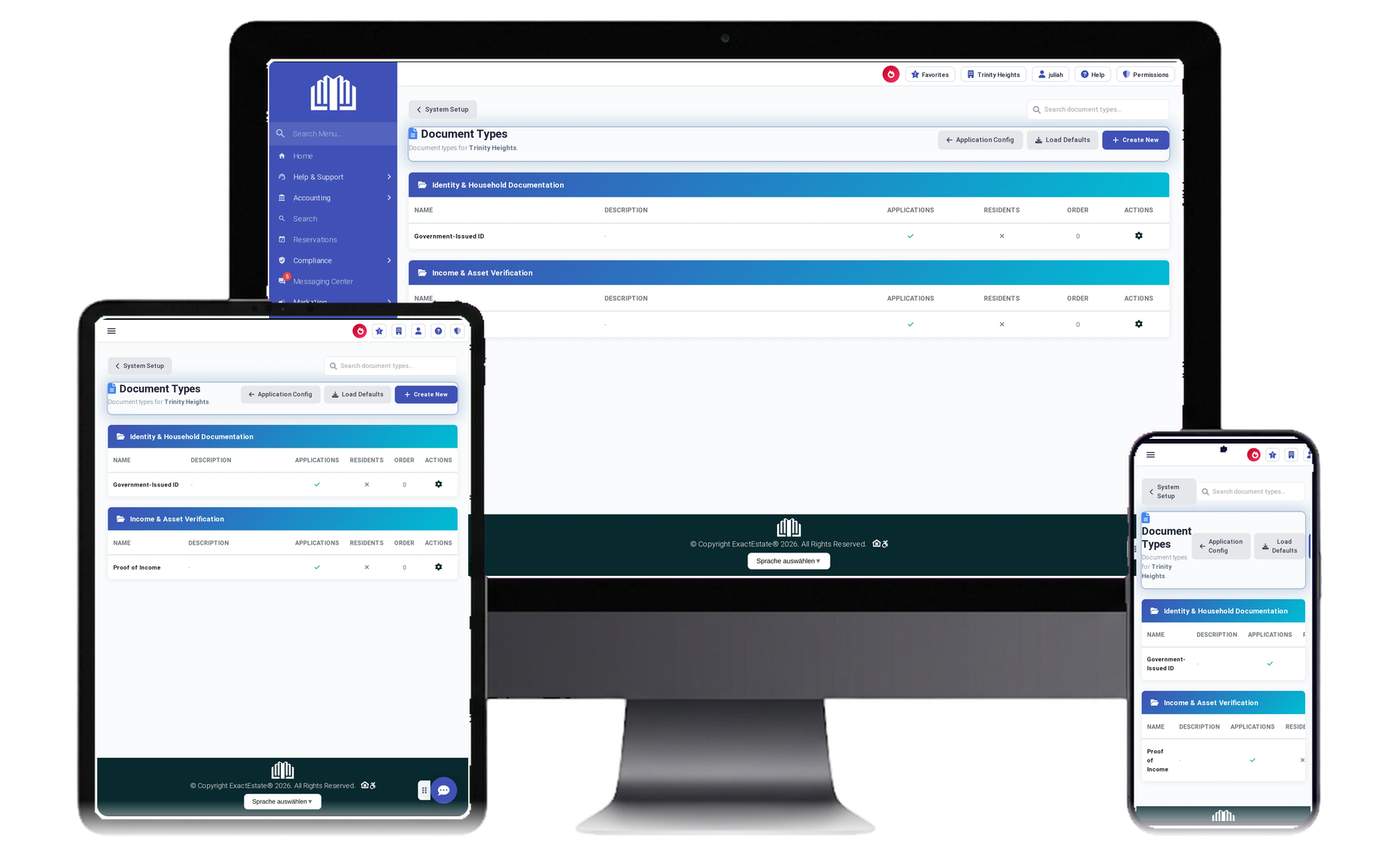
Know a certification is ready before it reaches TRACS.
The readiness check says whether a certification can leave the building: what is missing and what conflicts.
TRACS MAT files go over iMAX to the Contract Administrator, and the returned status stays on the record.
HUD’s released TRACS specification is 202D; 203A was released as a draft for comment (the comment period closed on October 2, 2026), and HUD states its HOTMA provisions cannot be implemented until it is published.
Which HOTMA date applies to HUD Multifamily?
For owners in the HUD Multifamily Housing programs, HUD Notice H 2025-07 revised the date for full compliance with the HOTMA final rule to January 1, 2027. That is the Multifamily date; agencies reach theirs through their own notices, and USDA Rural Development does not share it.
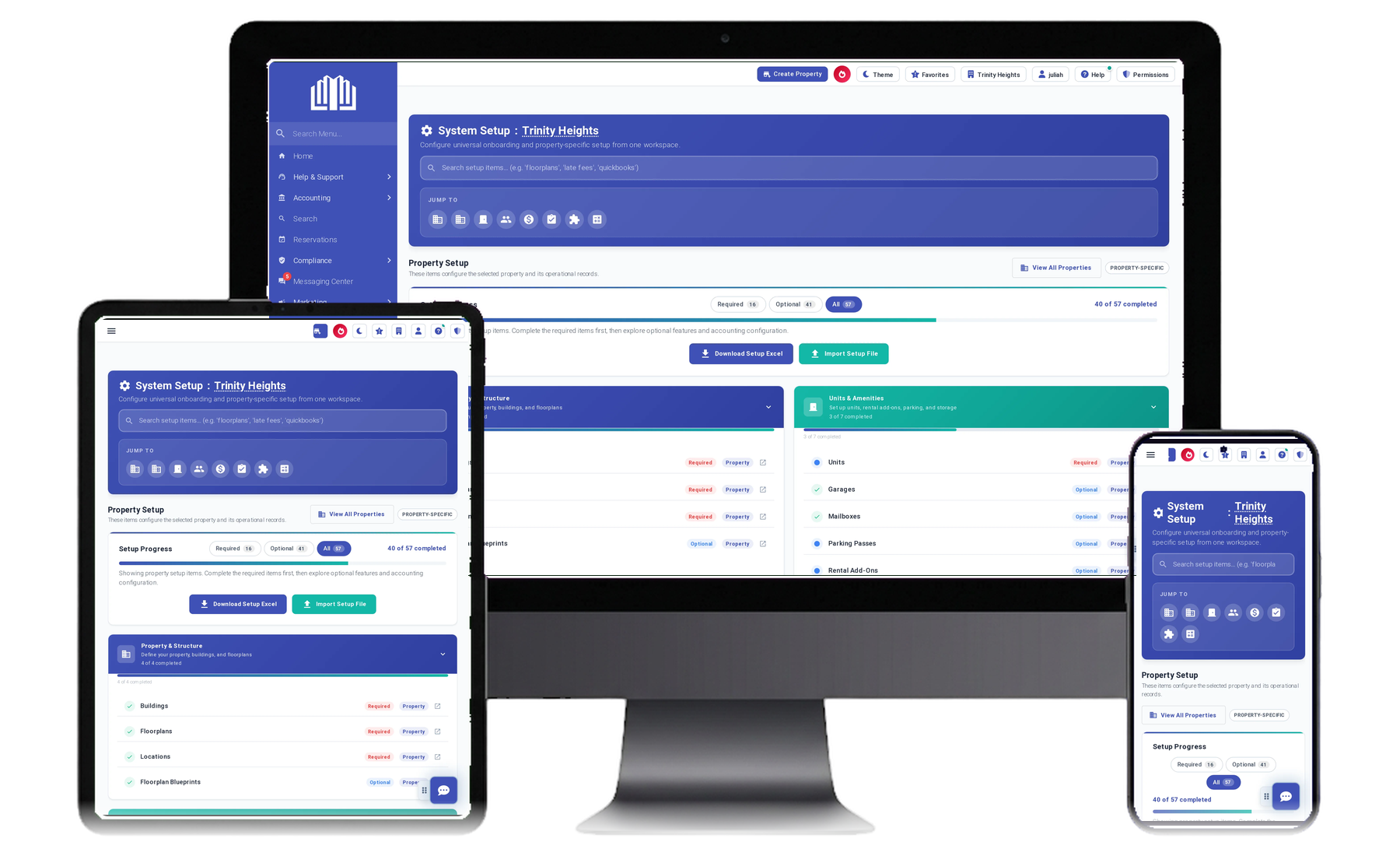
In ExactEstate, HOTMA applies per property from its adoption date: the indexed asset threshold, the updated deductions and the 10% medical expense phase-in.
Until 203A is published, HOTMA handling in TRACS is described against 202D. Source: Notice H 2025-07 (December 17, 2025), reviewed September 5, 2026.
Certifications and the resident ledger stay in the same books.
A certification changes what the household pays and what the contract pays; when those numbers live in different systems, the ledger learns about it late, or from a person.
In ExactEstate the certification and the resident ledger live on one platform, posted to the same double-entry general ledger as the rest of the portfolio. Bring a certification that changed a tenant rent and see where they meet.

Ask EEva what applies to this property.
EEva answers from the property's configuration and names the authority behind the answer when it can find one; separately ExactEstate watches HUD notices and stages anything new for a person to review.
The example below uses a sample property; nothing private is on a public screen.
Why is HUD compliance so hard to run on spreadsheets?
Managing a HUD-assisted property comes with a level of documentation and submission rigor that most property management workflows were never built to handle. Income certifications, subsidy calculations, and recertifications all have to be tracked, verified, and submitted on a schedule that leaves little room for error. One missed deadline or miscalculated figure can put a property's funding at risk.
Spreadsheets weren't built for this
Teams that are new to HUD-assisted housing, or scaling their HUD portfolio, usually end up stitching together spreadsheets, shared drives, and manual double-checks just to stay compliant. It works, until it doesn't.
How does ExactEstate’s HUD compliance software work?
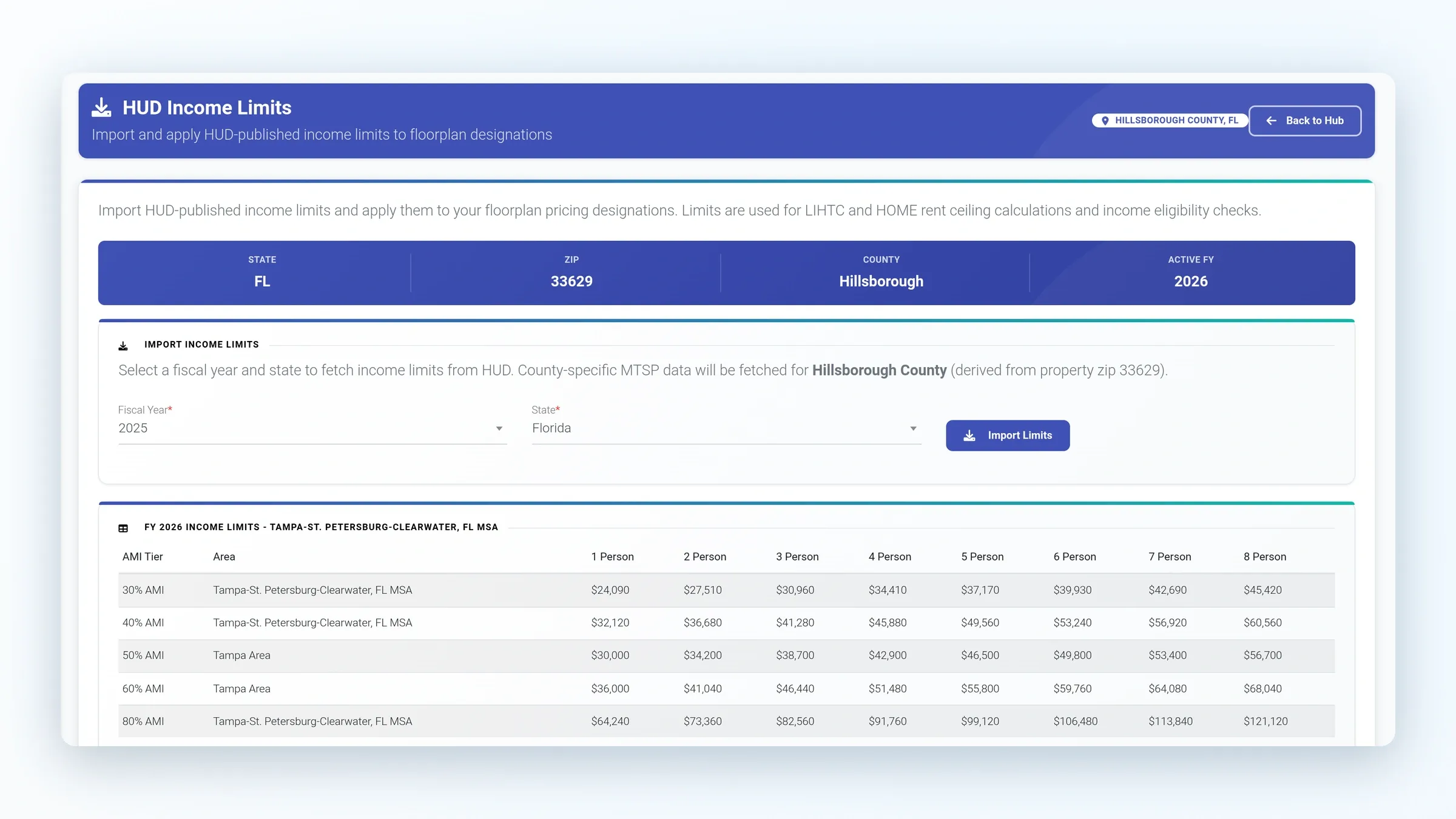
HUD income limits imported from HUD
ExactEstate imports HUD and MTSP income limits from HUD, so certifications are calculated against the published figures instead of a spreadsheet someone forgot to update.
Recertification scheduling and history
Recertifications are scheduled for each household, and each certification keeps its history: who generated it, who approved it and who verified it.
Online applications and e-signature
Applicants apply online and sign with native ExactSign e-signature or DocuSign, with screening through TenantAlert or Western Verify and email and SMS to keep the file moving.
How does ExactEstate work with TRACS, PIC and NSPIRE?
HUD Multifamily certifications go to TRACS as MAT files over iMAX, routed to the Contract Administrator. Public housing agencies produce HUD-50058 files validated for PIC — see software for public housing agencies. From an inspection, staff open a work order already filled in with that unit, so the repair is tracked on the unit the inspector visited.