
Why Affordable Housing Teams Use 5% of Software
If your affordable housing team uses spreadsheets and sticky notes, your property software is the problem and not your people. Here is the fix.
Explore ArticleRESOURCE CENTER
The resource center should connect regulations, operating guidance, tools, product proof and the next relevant workflow instead of acting as a second blog archive.
A knowledge base should behave like knowledge, not a pile of articles.

Start from the program you operate; each card opens the guidance written for that program rather than a general page that mentions it.
If your affordable housing team uses spreadsheets and sticky notes, your property software is the problem and not your people. Here is the fix.
Explore Article
See the payment processing advantage ExactEstate saves you. Reduce fees, improve cash flow, and automate reconciliation with our integrated platform.
Explore Article
Discover how poor PM software data quality creates a LIHTC Form 8609 bottleneck. Learn what integrated developer-operators need for seamless compliance.
Explore Article
Evaluate property management software for affordable housing with a checklist that reveals real TRACS, LIHTC, and compliance gaps.
Explore Article
Running multiple property systems? Discover the hidden costs slowing your operations and impacting compliance and reporting.
Explore Article
Mid-market affordable housing operators (50–300 units) are stuck between basic tools and costly enterprise PMS. Here is what actually fits.
Explore Article
See what manual TRACS submissions cost small housing authorities managing 33–150 units and how purpose-built software reduces workload and risk.
Explore Article
Use this affordable housing compliance checklist to stay audit-ready, avoid penalties, and meet HUD, LIHTC, and Section 8 requirements.
Explore Article
Explore what AI in affordable housing actually delivers in 2026.
Explore ArticleThe same subject reads differently depending on which chair you are in; pick the one you answer for.
Some questions are better answered against your own portfolio than by reading someone else’s.
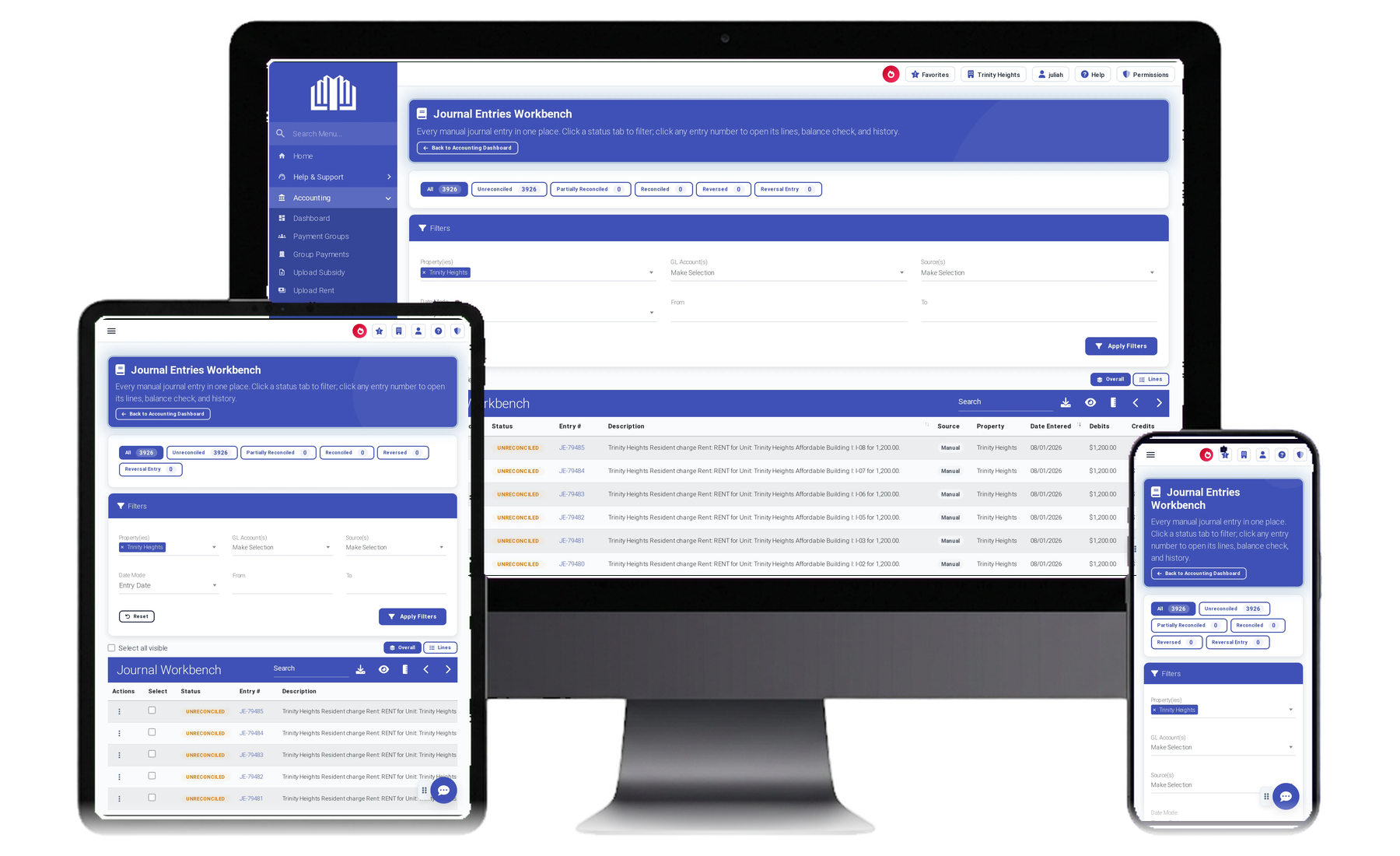
Screens, not slides — each of these shows the workflow in the product before you spend an hour on a call about it.

If you would rather ask than browse, ask — and see where each part of the answer came from.